
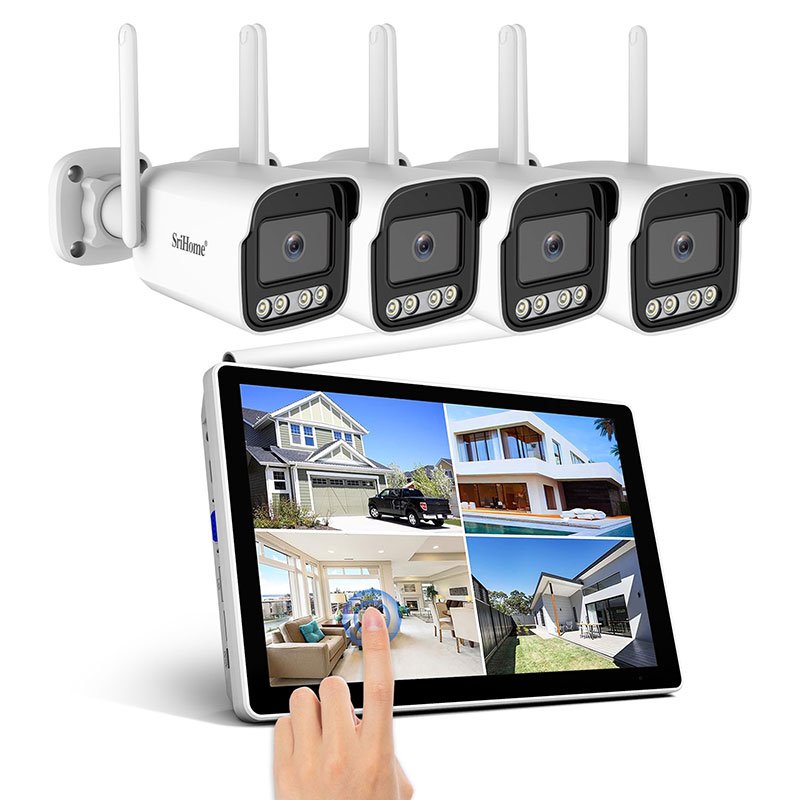
Homeowners want reliable CCTV coverage even when internet service goes down. Many ask the same question during installation. Does CCTV function without Wi-Fi. The answer depends on the type of camera, the recording method, and how your system is wired. Meg Security Solutions works with many residential and commercial setups across Pakistan and sees clear differences in performance with and without Wi-Fi. This guide explains these differences so you choose home CCTV solutions that protect your property at all times.
Do CCTV Cameras Work Without Wi-Fi
Most CCTV systems work without Wi-Fi. Cameras record video and save it to a DVR or NVR even when the internet is offline. Wi-Fi affects remote viewing, not local recording. If you lose Wi-Fi, recording continues as long as the system has power.
Wired analog systems
Record normally without Wi-Fi.
Wired IP systems
Record to NVR without Wi-Fi as long as the local network is active.
Wireless cameras
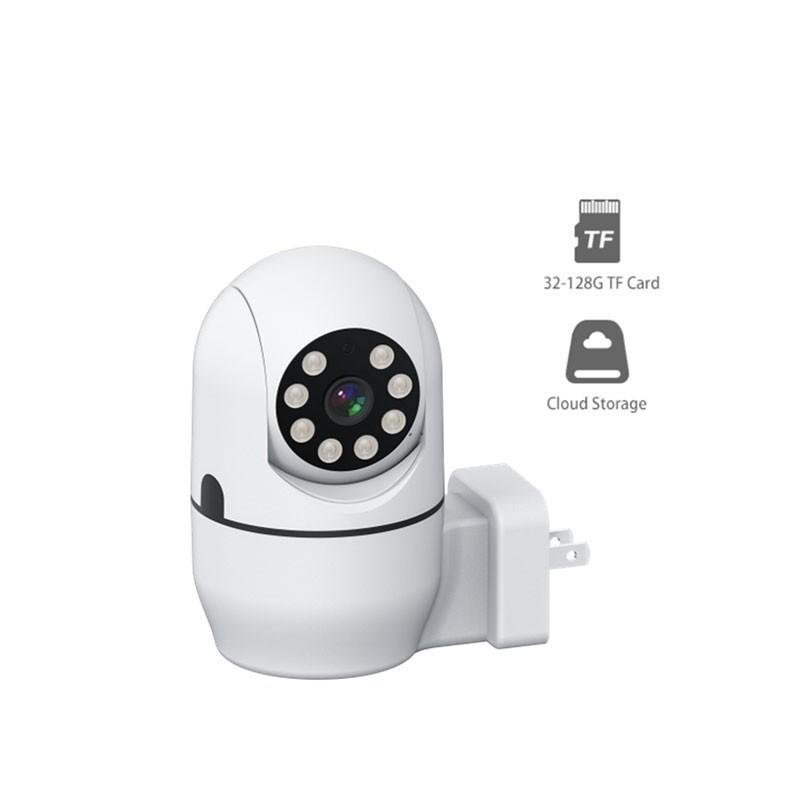
Record to SD card or cloud. Without Wi-Fi, cloud storage stops but SD card recording continues.
Wi-Fi supports remote viewing, notifications, and cloud access. It does not decide whether cameras record.
How Wired home CCTV Solution Work Without Wi-Fi
Traditional wired systems use coaxial cables or Ethernet cables.
Analog CCTV
Connects each camera to a DVR. The DVR stores footage on a hard drive. No Wi-Fi needed.
IP CCTV with NVR
Connects cameras through a switch or PoE ports. As long as the local network remains stable, NVR records without Wi-Fi.
These systems offer reliable recording even in remote areas where internet is weak.
What Stops Working Without Wi-Fi
Wi-Fi influences extra features, not core recording.
Remote viewing
Smartphone access stops.
Push notifications
Motion alerts do not reach your phone.
Cloud backup
Stops without an internet link.
Firmware updates
Paused until connection returns.
Local functions continue without interruption.
Do Wireless CCTV Cameras Work Without Wi-Fi
Wireless cameras depend on Wi-Fi for live streaming. Without Wi-Fi, streaming stops. Recording continues only if the camera includes local storage such as an SD card. Many wireless cameras use a hybrid model.
Battery powered wireless cameras
Record to SD card during outages.
Solar powered cameras
Record as long as battery and sunlight support the system.
Wireless cameras without SD card storage
Stop recording until Wi-Fi returns.
Advantages of CCTV Systems That Do Not Depend on Wi-Fi
Wired systems perform well in areas with unstable internet.
Reliable recording
Footage stays consistent.
Stronger security
Local storage reduces hacking risks.
Lower bandwidth usage
No dependence on internet speed.
Better performance in large homes
Do not rely on Wi-Fi coverage.
These systems deliver long term stability for home CCTV solutions.
Common Problems When Wi-Fi Goes Down
Wi-Fi loss creates predictable issues.
Remote app does not connect
Live view fails.
Delayed notifications
You miss motion alerts.
Cloud backup stops
Critical footage stays only on local storage.
IP camera address conflicts
Some cameras reconnect slowly when Wi-Fi returns.
These problems highlight the value of strong local recording.
How to Ensure CCTV Works Without Wi-Fi
Simple preparation improves reliability.
Choose wired systems for main entrances
Provide consistent recording.
Use NVR with PoE
Supports local recording without Wi-Fi.
Enable SD card backup in wireless cameras
Provides fallback storage.
Create a stable local network
Use strong switches for IP systems.
Use UPS backup for power
Keeps the recorder running during outages.
Correct planning ensures that each camera records during downtime.
Field Examples From Meg Security Solutions
Field experience shows how Wi-Fi influences CCTV performance.
Case 1
A home in Karachi used wireless cameras without SD cards. Wi-Fi outage stopped recording. Installing SD cards fixed the issue.
Case 2
A property in Islamabad used IP cameras with PoE through a local switch. Wi-Fi outage did not affect recording. Remote viewing resumed when internet returned.
Case 3
A home in Lahore used analog cameras with DVR. Wi-Fi outage had zero effect. Owner only lost mobile alerts.
These examples show that wired recording remains stable during internet loss.
How Local Storage Works
Local storage protects your footage.
DVR
Stores analog footage on internal hard drive.
NVR
Stores IP footage on internal hard drive.
SD card
Stores wireless camera recordings.
External drives
Store backups or exported clips.
Local storage stays functional without internet.
Differences Between Wi-Fi Loss and Power Loss
Many homeowners confuse Wi-Fi outages with power outages.
Wi-Fi loss
Stops remote access but not recording.
Power loss
Stops recording unless you have UPS or backup batteries.
A reliable CCTV system must include both local storage and power backup.
Which Home CCTV Solutions Perform Best Without Wi-Fi
Systems ranked by offline reliability.
Wired analog systems
Strong offline performance.
Wired IP systems with PoE
Stable recording without Wi-Fi.
Wireless cameras with SD cards
Moderate offline performance.
Wireless cameras without local storage
Weak offline performance.
Your best choice depends on coverage needs and home layout.
Benefits of Wired Systems for Homes in Pakistan
Homes in Pakistan face frequent internet slowdowns and outages. Wired systems remain the most stable option.
No lag
Smooth local viewing.
No Wi-Fi interference
Thick walls do not affect performance.
Consistent recording
Footage never stops due to Wi-Fi failures.
Better for large properties
Supports long cable runs.
Wired systems offer stronger protection in daily use.
Recommended Visuals
Include visuals that clarify key points.
Diagram showing wired vs wireless systems
Image of a DVR with hard drive
Infographic showing which features need Wi-Fi
Photo of SD card storage in a wireless camera
Video showing remote viewing interruption
Use alt tags with home CCTV solutions for SEO performance.
Internal Link Suggestions
How long CCTV records
CCTV problems and solutions
Night vision performance guide
Guide to choosing CCTV for homes
External Link Suggestions
Public safety CCTV guidelines
Network stability recommendations
Wi-Fi interference resources
SEO Practices for Better Visibility
Use the main keyword in the title.
Keep paragraphs short and mobile friendly.
Add descriptive alt tags for images.
Use internal and external links.
Include FAQ schema to improve ranking.

Leave a Reply