
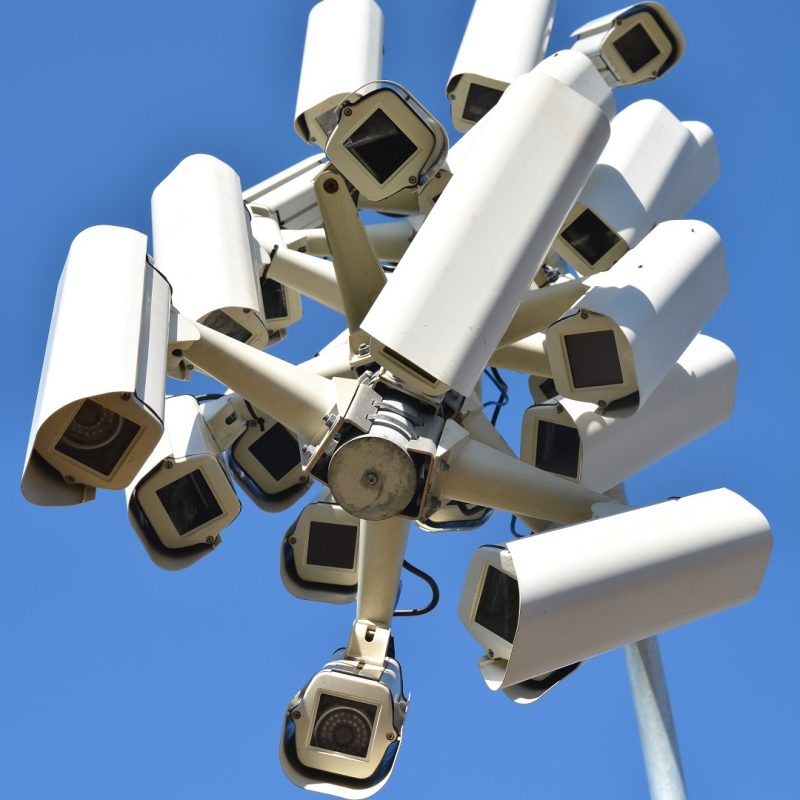
Homeowners rely on CCTV systems to monitor entrances and record activity. A common concern appears during system planning. Do CCTV cameras work when there is no electricity. Power outages interrupt many devices in a home, so owners want to know how long their cameras stay active and which backup options protect recording. Meg Security Solutions handles many installations across Pakistan and observes reliable patterns in how systems respond to outages. This guide explains these patterns and helps you build stable home CCTV solutions for long term protection.
Do CCTV Cameras Stop Working Without Electricity
Standard wired home CCTV solution cameras stop when power is lost. They depend on continuous voltage to run sensors, recorders, and network modules. Without power, cameras do not record, stream, or trigger alerts. Recording resumes only when power returns or backup support activates.
IP cameras and analog cameras both shut down without electricity. Battery inside a camera does not run long. Backup power must support the entire system, not one device.
Why Power Outages Interrupt CCTV
CCTV systems depend on several power sensitive components.
Camera units
Sensors and infrared LEDs need stable voltage.
DVR or NVR
Recorders store footage. Without them, no recording takes place.
Router
WiFi and local network devices shut down during outages.
Switches
IP cameras linked through switches lose connection.
Each component needs stable electricity to keep the system active.
How CCTV Cameras Continue Working During Outages
Backup power decides performance during outages. These backup options keep cameras running.
UPS
A UPS provides short term backup support. It keeps DVR or NVR, router, and cameras active. Backup duration ranges between fifteen minutes and two hours depending on load.
Battery backup systems
Large batteries support longer outages. Many homeowners in Pakistan use this setup to handle frequent load shedding. A strong battery setup supports four to eight hours depending on system size.
Solar backup
Solar panels and charge controllers create off grid support. Homes with long daytime outages use solar support to keep cameras running.
PoE backup
For IP cameras, PoE switches connected to a UPS or battery system keep cameras and network stable.
Backup duration depends on total device count and battery capacity.
Do Wireless Cameras Work Without Electricity
Wireless cameras still depend on electricity. WiFi transmission does not replace power. Only the connection is wireless. The camera needs power from an adapter, battery, or solar panel. Without power, wireless cameras shut down.
Battery powered wireless cameras operate during outages if their battery is healthy. Many models support between one month and six months of runtime depending on recording patterns and weather. They record on motion and store data on SD cards or cloud storage.
How DVR and NVR Systems Behave During Outages
DVR and NVR recorders shut down without power. This stops recording even if cameras had power. A complete system backup must include recorder backup. Meg Security Solutions often installs UPS systems that support recorders first because they hold the final evidence.
NVR units need stable network connections. During outages, routers and switches shut down. UPS support prevents network loss.
Common Problems During Power Outages
Homeowners face several predictable issues.
Incomplete recordings
Footage stops during each outage.
Clock resets
Poor quality DVRs lose time settings.
Corrupted files
Recordings stop abruptly and corrupt segments.
Router disconnects
IP cameras fail to reconnect if the router restarts slowly.
Battery drain
Weak backup systems shut down early.
These issues reduce reliability and evidence quality.
How To Prevent CCTV Failure During Power Loss
Simple planning improves uptime.
Use a strong UPS
Choose a UPS sized for your camera count and recorder load.
Support network devices
Backup the router and PoE switch along with cameras.
Use long life batteries
Homes in Pakistan with frequent load shedding need higher amp hour batteries.
Use power efficient cameras
Lower wattage models extend battery backup duration.
Keep wiring secure
Loose connections fail during voltage drops.
Use voltage stabilizers
Protect sensitive components during power return.
Field Examples From Meg Security Solutions
Field work shows real patterns.
Case 1
A home in Karachi used five cameras and a small UPS. Backup lasted fifteen minutes. Upgrading to a larger battery extended backup to five hours.
Case 2
A home in Rawalpindi had cameras on backup but no router backup. IP cameras failed during outages. Adding router backup solved the issue.
Case 3
A house in Lahore used battery powered wireless cameras. During long outages, cameras switched to power saving mode but kept recording movement. This protected evidence during a theft attempt.
These examples show the importance of planning for the entire system.
How Much Power CCTV Cameras Use
Power usage affects backup duration.
Analog camera
3 to 5 watts.
IP camera
6 to 12 watts depending on resolution.
Infrared LEDs
Increase power draw at night.
DVR or NVR
10 to 40 watts.
Router
5 to 10 watts.
Backup systems must support all components together.
Solar Power for CCTV
Solar is an option for remote locations or areas with long outages.
Solar CCTV kits use
Panel
Battery
Charge controller
Camera
Solar powered setups support small systems well. Larger systems need bigger panels and battery banks.
Which Systems Work Best During Outages
Performance ranking based on field observation.
Battery powered wireless cameras
Work longest without external power.
Small DVR or NVR systems with strong UPS
Provide stable recording during common outages.
Solar hybrid systems
Support long runtime in areas with high sunlight.
PoE systems with UPS
Reliable for homes with IP cameras.
Placement Factors That Affect Performance
Placement supports uptime indirectly.
Avoid placing cameras near high heat areas
Heat increases power draw.
Avoid long cable runs
Long cables lose power during low voltage conditions.
Avoid placing recorders near windows
Sharp sunlight increases heat load.
Keep backup devices in ventilated areas
Battery systems lose efficiency in hot rooms.
SEO Practices for Strong Ranking
Use the main keyword in the title.
Add supporting keywords throughout the text.
Use short, mobile friendly paragraphs.
Add internal and external links.
Use descriptive alt tags for images.
Add FAQ schema to support search visibility.

Leave a Reply